

 0
0
 0
0
Over the past few years, Optical Character Recognition (OCR) has been woven more tightly into mobile apps, turning smartphones into capable instruments for changing images into editable text. This development has transformed many parts of everyday life, from converting paper documents to capturing text from photos for translation or note-taking. Let’s explore OCR in mobile apps and see how it is changing the way we handle written information.
The Evolution of OCR in Mobile Apps
Adding OCR to mobile applications marks a major step forward in making text recognition more accessible and user-friendly. In the beginning, OCR was largely confined to desktop systems, needing dedicated software and hardware for scanning and extracting text. Yet, as smartphone cameras improved and image-processing methods advanced, OCR became practical within mobile apps.
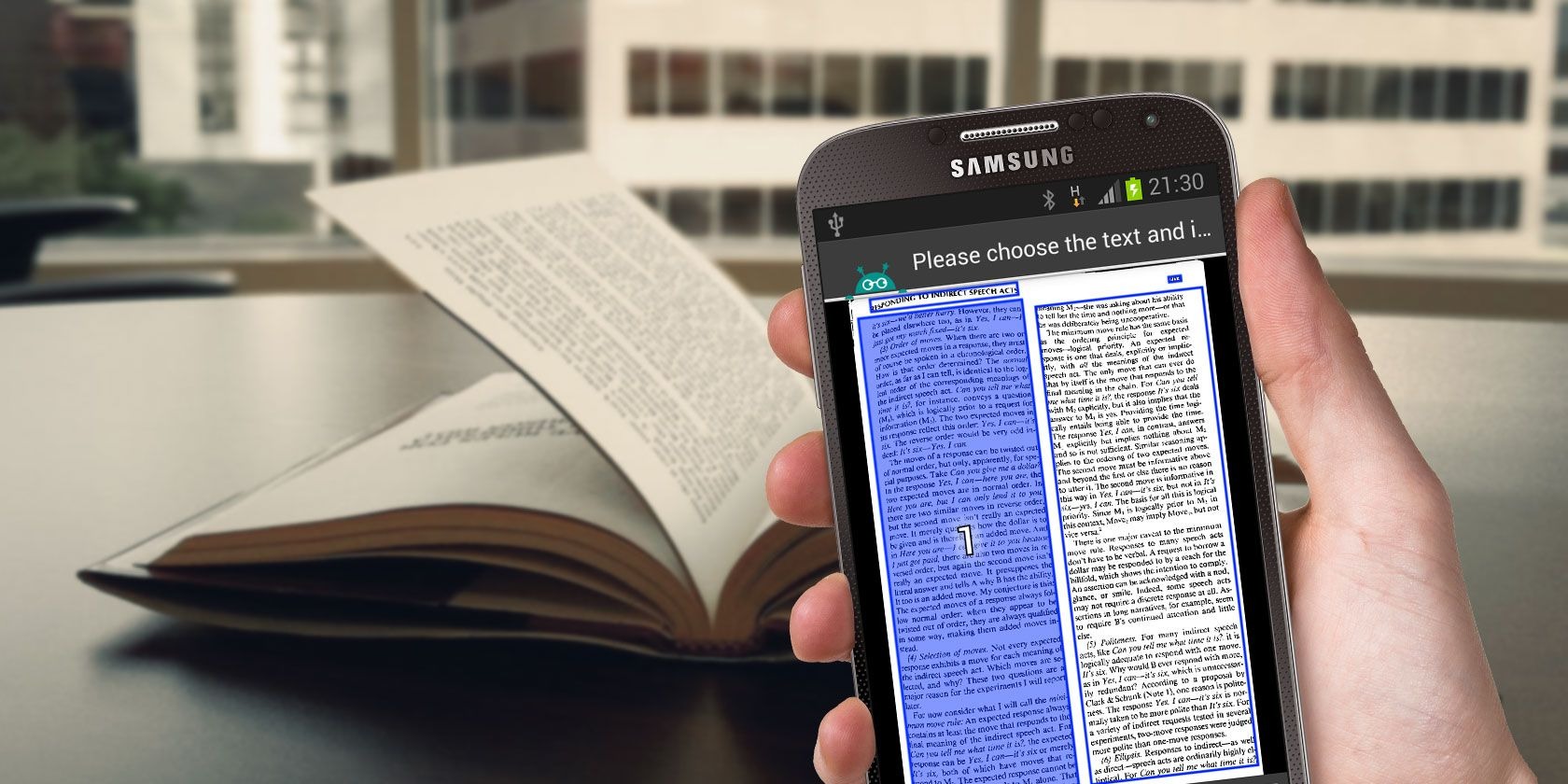
Nowadays, many apps on iOS and Android include OCR for purposes such as scanning pages, pulling text from images, and offering live translations. These applications tap into smartphone computing power to handle sophisticated OCR tasks on-device, often removing the requirement for an internet connection or extra equipment.
Enhancing Productivity and Convenience
Mobile apps with OCR bring unmatched ease and speed to converting pictures into text. Whether you need to digitize printed material, capture whiteboard notes, or extract words from a photo, users can do it in moments using their phone. This simplifies processes and removes dependence on large scanners or desktop setups, enabling OCR use wherever you are.
In addition, OCR apps frequently include features like text editing, document management, and cloud syncing, so users can organize and share scanned text with ease. For professionals, students, or anyone frequently working with text, these tools provide a practical way to boost efficiency and stay organized while mobile.
Improving Accessibility for Individuals with Visual Impairments
Beyond productivity gains, OCR apps on mobile devices significantly improve accessibility for people with visual impairments or other disabilities. Using OCR, these apps can turn text in images into spoken words, allowing users to listen to printed material. This capability helps visually impaired individuals access books, documents, or signage, increasing independence and inclusion.
OCR-equipped apps also support people with dyslexia or reading challenges by offering alternative ways to consume text. Converting text to speech or changing font style and size lets these apps accommodate varied learning needs and support users with different cognitive preferences.
Security and Privacy Considerations
Although OCR apps provide many advantages, users must be mindful of security and privacy when employing them. OCR often handles sensitive material, like personal papers or confidential text, so selecting trustworthy apps from reputable developers and reviewing privacy terms and permissions is important.
Users should also be careful when storing or sharing scanned text, particularly if it contains private information. Choosing apps that support encryption, secure cloud options, or offline processing can reduce privacy risks and help keep digitized text confidential.
Conclusion: Empowering Users with OCR in Mobile Apps
In summary, OCR in mobile applications offers a powerful way to turn images into editable text using just a phone camera. From improving convenience and productivity to making printed content accessible to those with visual impairments, OCR-enabled mobile apps serve many users across different situations. By harnessing smartphone processors and modern image-recognition techniques, these apps let people easily digitize and work with text in innovative ways. As OCR continues to progress, mobile apps will likely gain even more capabilities and new uses for text recognition on portable devices.